GIS & field mapping
View the operating environment, locate notes and connect site records to geography.

Capture, coordinate, map and report across crews, shifts, sites and devices.
Plan the work. Capture what's happening. Give the next shift the context it needs. Wellerman connects the operational threads that normally get lost between spreadsheets, group messages, mapping apps and paper records.
The interface supports a light and dark workspace, with a consistent navigation system for desktop and mobile use.
Operations workspace · Demo project
View the operating environment, locate notes and connect site records to geography.
Record field observations and check-ins with location context when available.
Structured records that carry context, outstanding work and decisions across crews.
Organize activities, dependencies and project timelines in a shared workspace.
Keep threads, replies, notices and team communications tied to the project.
Roles, work assignments and team structures help keep responsibilities clear.
Queue supported changes when disconnected and synchronize when service returns.
Capture site records and prepare outputs for operations and project administration.
Attach visual context to observations and field logs; keep manuals and reference material accessible to crews.
Plan for standard spatial outputs such as KML/KMZ and shapefile formats in configured workflows.
Organize records by author, time, project and synchronization state to strengthen accountability.
Generate first-draft operational progress summaries from structured field records, subject to review.
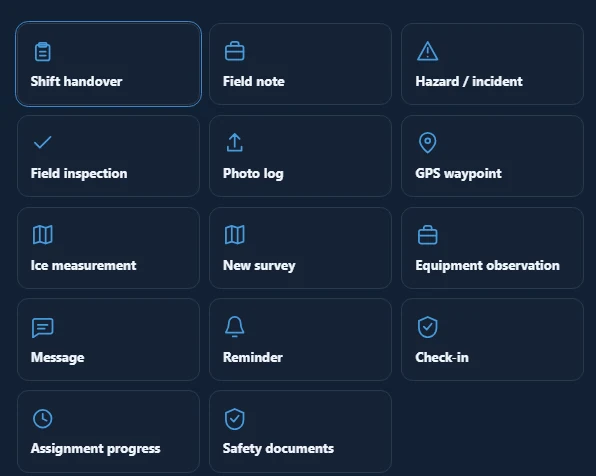 Quick Capture menu · example field entry types
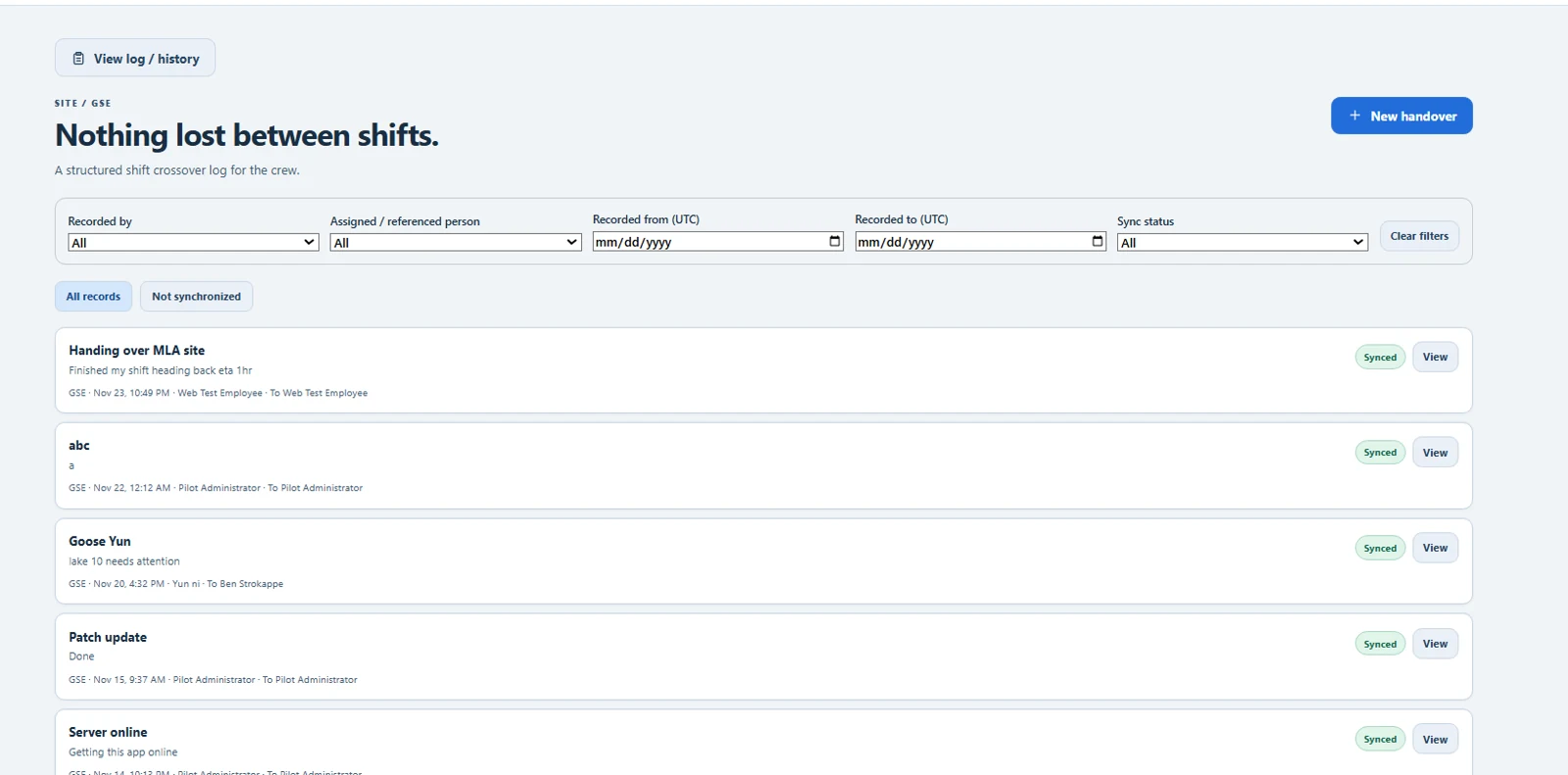 Shift handover history · sample interface with client data excluded
Wellerman is intended for field teams with variable connectivity, including sites supported by satellite internet. Offline capture and synchronization need to be verified for each workflow before a production deployment.
Discuss your workflow →Core workspace concepts: operations, handovers, check-ins, schedules, messages, reporting and field map.
Offline behavior, permissions, sync and multi-device behavior verified against your organization's operating requirements.
Integration and identity features—including SharePoint and organization SSO—are part of the development and configuration roadmap, not a claim of universal availability today.
Offline queueing and synchronization reduce dependence on uninterrupted connectivity.
Organizational identity and Microsoft 365 workflows are planned integration work, scoped per customer.
Future report generation from verified project data, supported by human review and exports.
Start with the operations that matter most to your team.